Navigating Metro Detroit Michigan requires split-second decision-making. Between the sudden slowdowns on
the Jeffries Freeway (I-96), the complex interchanges of I-275, and the busy traffic on Ford Road, taking
your eyes off the asphalt to check your speedometer can be a risk.
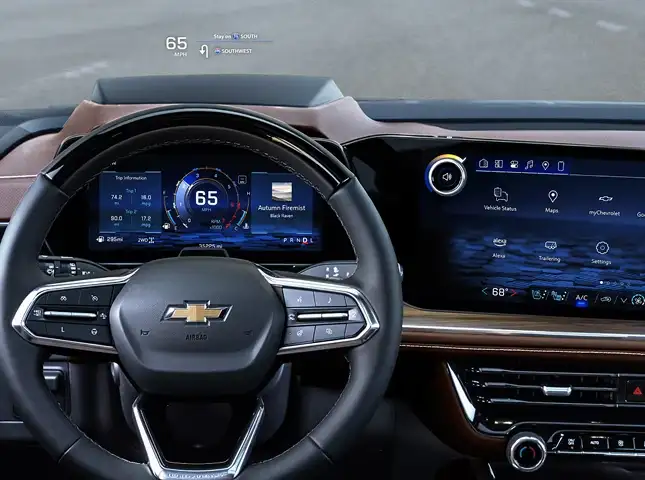
Chevrolet has adapted military-grade aviation technology to solve this problem. The available Head-Up
Display (HUD) projects vital vehicle data directly onto the windshield glass in your line of sight. It
keeps you informed, connected, and most importantly, focused on the road ahead, making it one of the most
valuable safety features for Garden City drivers.
Information Without Distraction
Unlike a traditional dashboard gauge cluster that requires you to look down and refocus your eyes, the
Head-Up Display creates a virtual image that appears to hover over the hood of your vehicle.
This optical engineering allows your eyes to remain focused at a distance. Whether you are scanning for
brake lights ahead or watching for deer on a dark suburban road, the data you need—speed, speed limit,
and navigation—is right there in your peripheral vision.
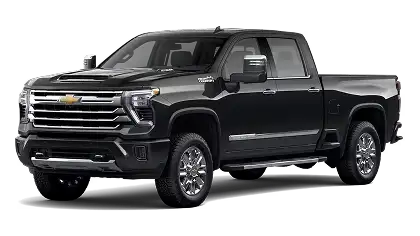
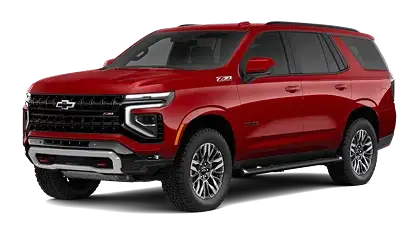
The Specs: On premium models like the Silverado High Country and Tahoe
Premier, this system features a massive 15-inch diagonal multi-color display, ensuring clarity
even in bright conditions.
Four Modes to Match Your Drive
The HUD is not a static projection; it is a dynamic tool that changes based on
what you are doing. Using the toggle switches to the left of the steering wheel, you can cycle through four
distinct layouts:
1. Speed & Safety Monitor
This is your daily commute setting. It displays your current speed alongside the posted speed limit (read
by the vehicle’s cameras). Crucially, it also shows the status of Adaptive Cruise Control and Lane Keep
Assist, letting you know exactly how the vehicle is supporting you in rush hour traffic.
2. The Navigation Assistant
Michigan roads can be confusing, especially when navigating "Michigan Lefts" or roundabouts. This mode
pulls turn-by-turn directions from Google Maps (via Google Built-In) or Apple CarPlay/Android Auto. It
projects directional arrows and distance markers right onto the glass, so you never miss your exit on I-94
again.
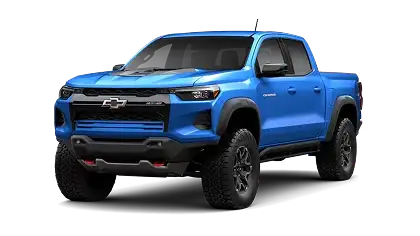
3. Off-Road & Winter Gauge (Z71 / ZR2)
When the pavement ends or the snow falls, this mode becomes essential. Exclusive to Z71 and ZR2 trims, it
displays an inclinometer showing the truck's pitch and roll. This helps you maintain stability on unplowed
roads or tricky terrain without needing a spotter.
4. Audio & Media
Keep your eyes up while changing the track. This view briefly flashes the artist and song title when the
track changes, or displays incoming caller ID information, allowing you to screen calls without glancing
at the center console.
Why This Tech Matters in Michigan
Combating Winter Glare:
Michigan winters bring bright sun
reflecting off snow. The Chevy HUD is adjustable for brightness, allowing it to cut through the glare so you
can always see your speed.
Construction Zones:
With speed limits constantly changing
in work zones, the HUD displays the camera-detected speed limit right next to your actual speed, helping you
avoid tickets in strict enforcement areas.
Nighttime Visibility:
The display can be dimmed
significantly at night, reducing eye fatigue while keeping critical info visible on dark stretches of road.
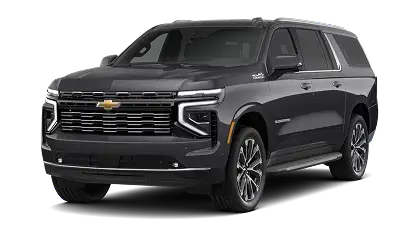
Which Vehicles Feature the 15-Inch HUD?
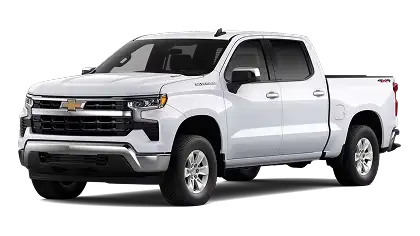
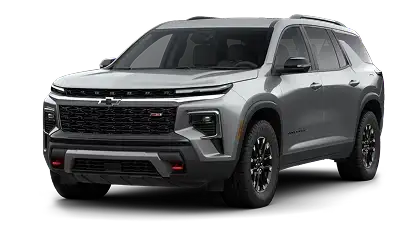
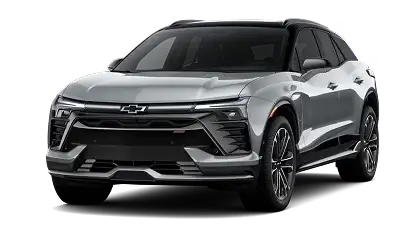
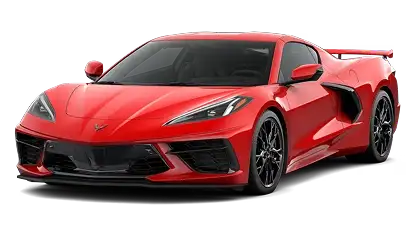
This advanced technology is typically reserved for the upper echelons of the Chevrolet
lineup. Look for it on these models at Gordon Chevrolet:
Can I adjust where the image appears on the windshield?
Yes. We know drivers come in all heights. The control panel allows you to motorize the image up or down
to ensure it sits perfectly in your line of sight, regardless of how you adjust your seat.
Will it work if I wear polarized sunglasses?
Polarized lenses can sometimes dim the projection. However, Chevrolet utilizes high-intensity LED
projectors that are generally bright enough to remain visible through most polarized eyewear, especially
if you increase the HUD brightness setting.
Can I turn the HUD off if I don't want it?
Absolutely. While we find most drivers love the feature once they get used to it, you can dim the
display until it disappears or toggle it off completely using the "Info" button.
Upgrade Your View at Gordon Chevrolet
Reading about the Head-Up Display is one thing, but experiencing it on the road is
another. Visit us on Ford Road in Garden City to test drive a High Country Silverado or Premier Tahoe. Once
you see how much easier it is to drive with your data floating in front of you, you won't want to go back to
a standard dashboard.